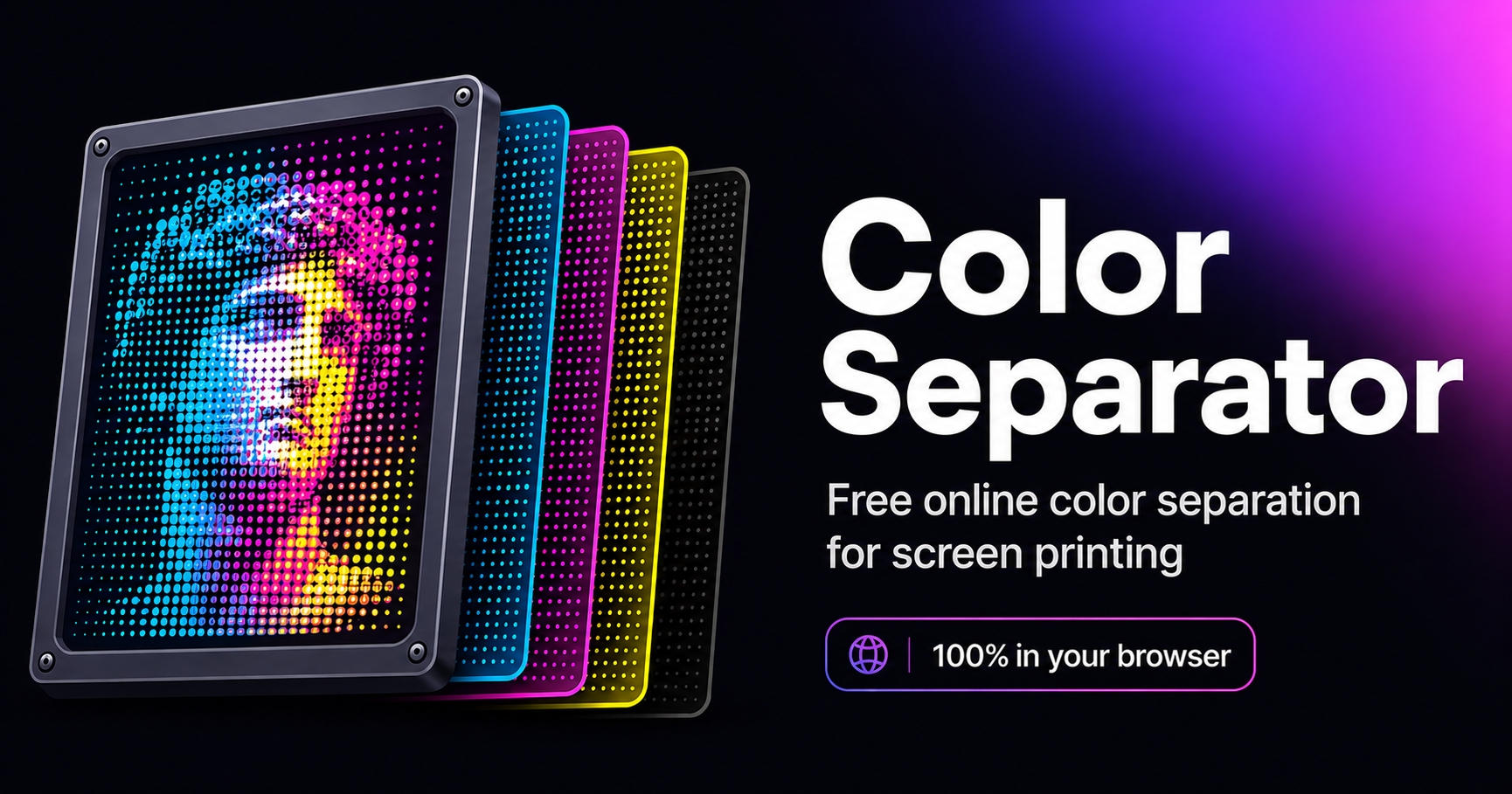
Free color separation for screen printing
Color Separator turns your artwork into print-ready separations — entirely in your browser. No Photoshop, no installation, no cost, and your designs never leave your computer.
100% free No install No Photoshop Private — runs on your device
What is color separation?
In screen printing, each ink color is printed through its own screen (stencil). Color separation is the process of splitting a full-color design into one black-and-white layer per ink — the "separations" — plus the halftone dots that reproduce gradients and shading. Those layers become the film positives a shop burns onto screens. Doing this by hand in Photoshop is slow and skilled work; dedicated desktop software is expensive. Color Separator does it automatically, for free, in your browser.
Separation methods
Spot color
Each distinct color becomes its own solid screen — ideal for logos and flat vector art.
Index
Reduce to a fixed number of colors with diffusion dithering — great for limited-palette photographic art.
Duotone / Tritone / Quadtone
Map tones onto 2–4 inks for rich, economical multi-tone prints.
Simulated process
Rebuild full color from a fixed opaque ink set over a white underbase — the technique for photoreal art on dark garments.
CMYK process
Standard cyan/magenta/yellow/black separation with the classic 15°/75°/0°/45° screen angles — for light garments and paper.
Channel (PSD)
Upload a layered PSD and turn each layer into its own separation — honoring the channels you already built.
Halftones, angles & moiré
Gradients print as dots. Color Separator generates amplitude-modulated (AM) halftones with adjustable LPI (lines per inch, 20–85 for garments), dot shape (round, ellipse, square, euclidean), and per-screen angles. It assigns moiré-safe angles automatically and warns you when two screens sit too close — so you avoid the interference patterns that ruin prints.
White underbase & background knockout
For dark garments, a white underbase prints first so colors pop. Color Separator builds the underbase from your design and chokes it so white doesn't peek out past the top colors. It can also knock out a solid background so you're not printing the backdrop.
Print-ready film export
Export each separation as a film positive — ink areas black on white, with registration targets, crop marks and a label showing the ink, LPI and angle. Choose your print size (A3–A6 or a custom size in inches, cm, mm or pixels) and DPI, and download as a multi-page PDF, individual TIFF films, or PNG masks.
How to use it
1 · Upload
Drop in a PNG, JPG, WebP or PSD.
2 · Choose a mode
Spot, index, tonal, simulated process, CMYK or PSD channels — pick by garment color.
3 · Adjust & preview
Set colors, halftone, garment color, and screen angles. Watch the soft proof update live.
4 · Export films
Pick your size and DPI, then download print-ready PDF/TIFF/PNG separations.
Frequently asked questions
Is it really free?
Yes — every feature is free, with no account required. The site is supported by ads.
Do I need to install anything?
No. It runs entirely in your web browser on any device — there's nothing to download or update.
Is my artwork private?
Yes. All processing happens locally on your device. Your images are never uploaded to any server.
What file types can I upload?
PNG, JPG, WebP and layered PSD files.
Can I print on dark shirts?
Yes — use Simulated Process or Spot with the white underbase enabled. CMYK is best kept for white or light garments.
What's the difference between simulated process and CMYK?
CMYK uses transparent inks that subtract from white (best on light garments). Simulated process uses opaque inks over a white underbase, so it works on dark garments.
What LPI should I use?
For garment screen printing, 45–55 LPI is standard and 55–65 is high-detail. Above ~65 you need very high mesh counts; ~85 is the practical ceiling.
How many colors can I separate?
Up to eight in spot/index modes. Above six colors you can't give every screen a moiré-safe angle, so six is the sweet spot for clean halftones.
Can I export real film positives?
Yes — PDF, TIFF or PNG, at your chosen print size and DPI, with registration marks and labels ready to burn screens.
Do I need to remove the background first?
Usually not — turn on "Remove background" and it knocks out a solid backdrop automatically while preserving interior shapes that share the background color (like a white heart on a colored phone). For busy or photographic backgrounds, erase them in your image editor before uploading.
What's the difference between spot color and index separation?
Spot color gives each distinct color its own solid screen — best for logos and flat vector art. Index reduces the artwork to a set number of colors with diffusion dithering — better for photographic or gradient-heavy art on a limited palette.
Why does CMYK look muddy on a dark shirt?
CMYK uses transparent inks that need a white surface to show through, so on dark fabric the colors go dull and the black disappears into the garment. Use Simulated Process — opaque inks over a white underbase — for dark shirts instead.
What DPI should film positives be?
300 DPI is the standard for screen-printing films and is the default here. You can drop lower for large, simple art or go higher for fine detail — just note that larger sizes and higher DPI take longer to render.
How do I avoid moiré patterns?
Give each halftone screen a different angle. The tool assigns moiré-safe angles automatically and warns you when two screens sit too close — keeping separations to six colors or fewer means every screen can get a safe angle.
Does it work on my phone?
Yes — it runs in any modern mobile browser with nothing to install. A larger screen just makes fine adjustments and previewing separations easier.
Can I use it for vector logos?
Yes. Export your logo as a PNG (or a flattened PSD) and use Spot Color mode — each flat color becomes its own clean screen, ideal for logos.